Every photograph has a shape. Not just a subject, not just a mood – a shape. That shape is defined by its aspect ratio, and it influences how your image feels, where it can be used, and what gets included in (or cut from) the frame.
Whether you’re cropping for Instagram, sizing prints for a gallery wall, or exploring cinematic formats like anamorphic widescreen, understanding aspect ratios gives you more control over your photography than almost any other technical concept.
This guide covers everything you need to know – from the definition of aspect ratio to the specific formats you’ll encounter across digital, print, film, and cinema.
What Is an Aspect Ratio?
An aspect ratio describes the proportional relationship between the width and height of an image. It’s written as two numbers separated by a colon, like 3:2 or 16:9, where the first number represents the width and the second the height.
A 3:2 aspect ratio means the image is 3 units wide for every 2 units tall. The actual pixel dimensions don’t matter for the ratio itself: a 3000×2000 image and a 6000×4000 image are both 3:2. The shape is the same, only the resolution differs.
This distinction between aspect ratio and resolution is important. Resolution tells you how many pixels an image contains. Aspect ratio tells you how those pixels are arranged in the shape of a rectangle. A 4K image (3840×2160) and a Full HD image (1920×1080) share the same 16:9 aspect ratio but have very different resolutions.
Why Aspect Ratio Matters in Photography
Aspect ratio isn’t just a technical detail; it actively shapes how your photos look and feel.
Composition changes with the frame. A wide 16:9 crop emphasizes horizontal space, pulling the viewer’s eye across landscapes and architectural lines. A tall 4:5 portrait crop draws attention inward, concentrating focus on a face or a doorway. The same scene tells different stories depending on the shape you give it.
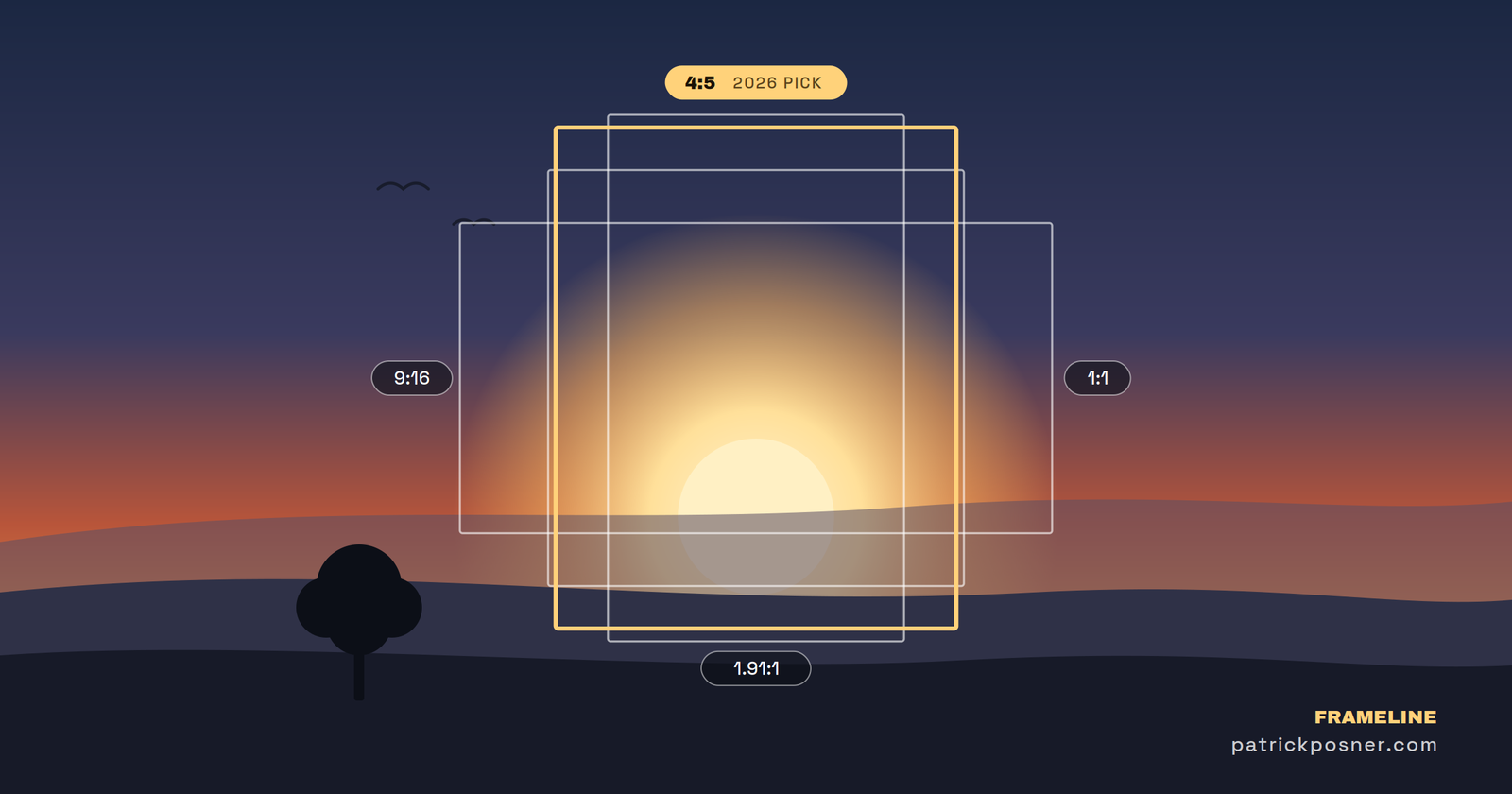
Every platform expects a specific shape. Instagram favors 4:5 for portrait posts and 1:1 for squares. YouTube thumbnails and cover images are 16:9. Stories and Reels demand 9:16. If your image doesn’t match, the platform crops it for you, and that auto-crop rarely lands where you’d want it.
Print sizes are defined by ratios. A standard 4×6 print is 3:2. An 8×10 is 4:5. A 5×7 is, well, 5:7. If you shot in 3:2 and want an 8×10 print, something is getting cut. Knowing this up front saves you from unpleasant surprises in the lab.
Common Aspect Ratios for Digital and Social Media
These are the ratios you’ll encounter most often when sharing photos online or preparing images for screens.
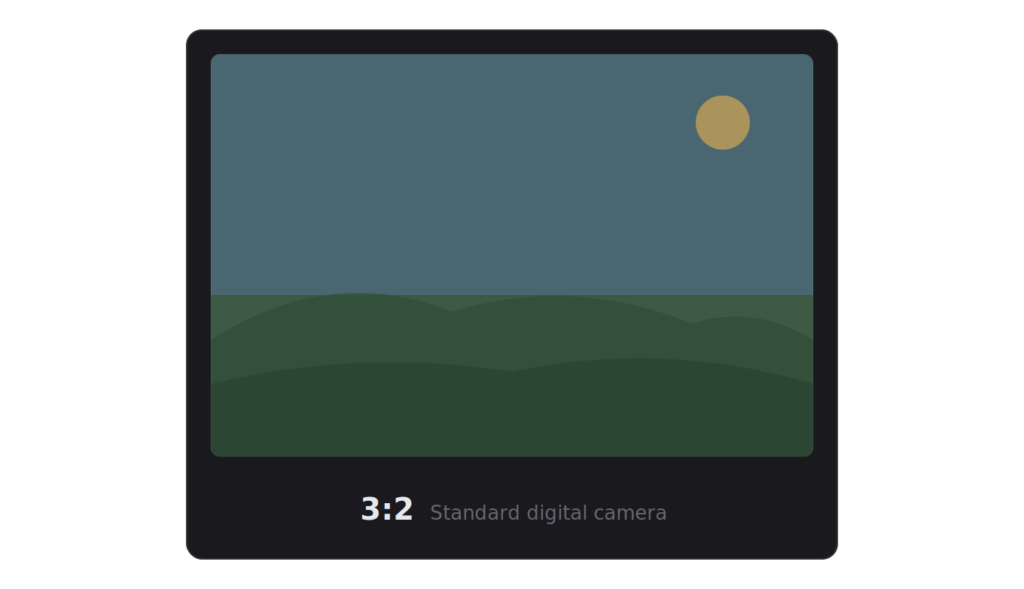
3:2 The Standard Digital Ratio
Most digital cameras with APS-C or full-frame sensors produce images at 3:2. If you shoot with a Canon, Nikon, Sony, or Fujifilm mirrorless camera, your files are almost certainly 3:2 out of the box. It’s also the native ratio of 35mm film.
In pixels, common 3:2 resolutions include 6000×4000, 4500×3000, and 3000×2000. It’s the most natural starting point for photographers because it’s what the camera gives you.
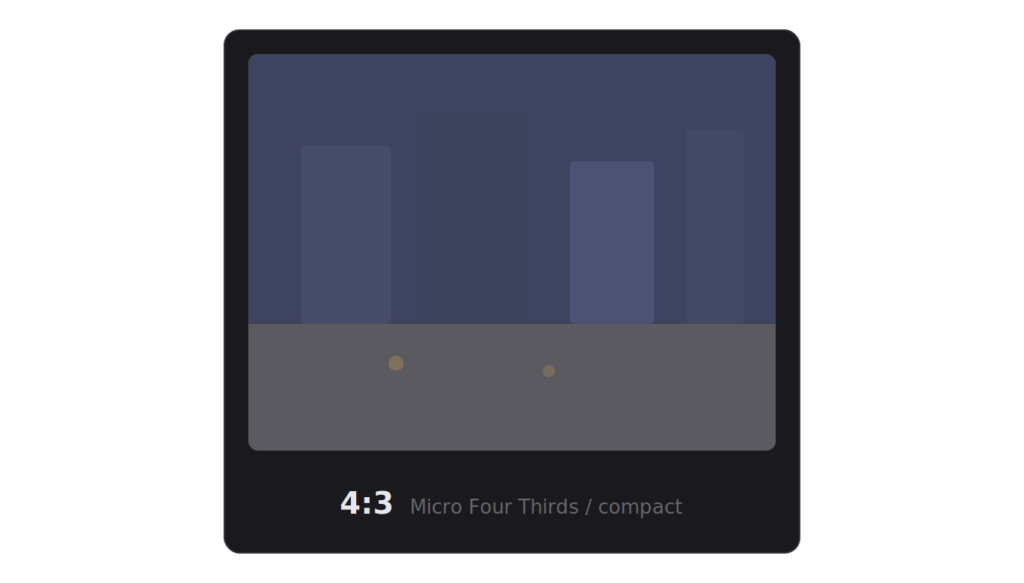
4:3 Micro Four Thirds and Compact Cameras
4:3 is also the classic screen ratio before widescreen took over; virtually every TV and computer monitor was 4:3. Common pixel dimensions include 4032×3024 (many smartphone cameras), 3200×2400, and 1024×768.
If you shoot with a Micro Four Thirds system (Olympus/OM System, Panasonic Lumix), your native ratio is 4:3. It’s slightly more square than 3:2, which some photographers prefer for its balanced feel.
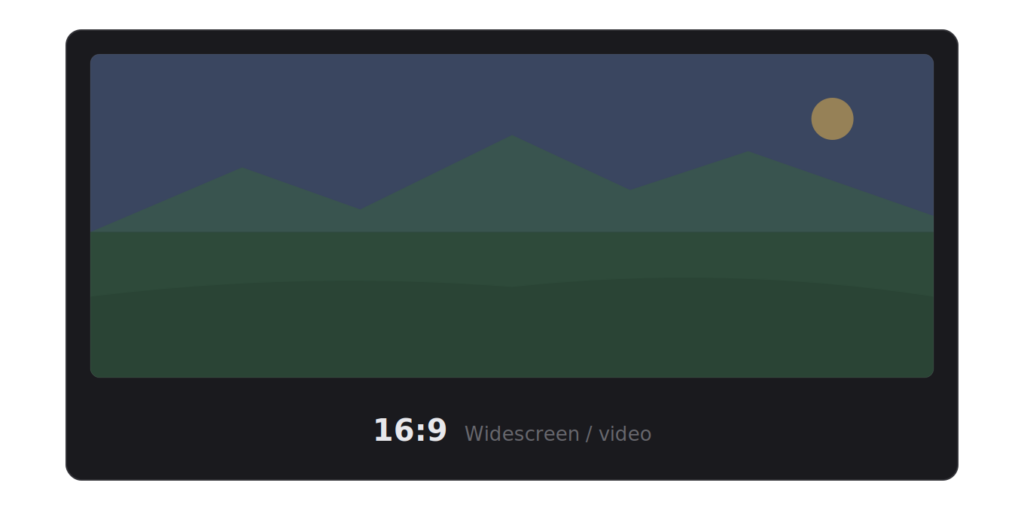
16:9 Widescreen
The most common 16:9 resolutions are 1920×1080 (Full HD), 2560×1440 (QHD), and 3840×2160 (4K UHD). It’s a wide, cinematic shape that works beautifully for landscapes and panoramic street scenes, but crops aggressively into portrait-oriented shots.
The standard widescreen ratio used by modern monitors, TVs, and video. If you’re preparing photography for a YouTube thumbnail, a website hero banner, or a desktop wallpaper, 16:9 is what you need.
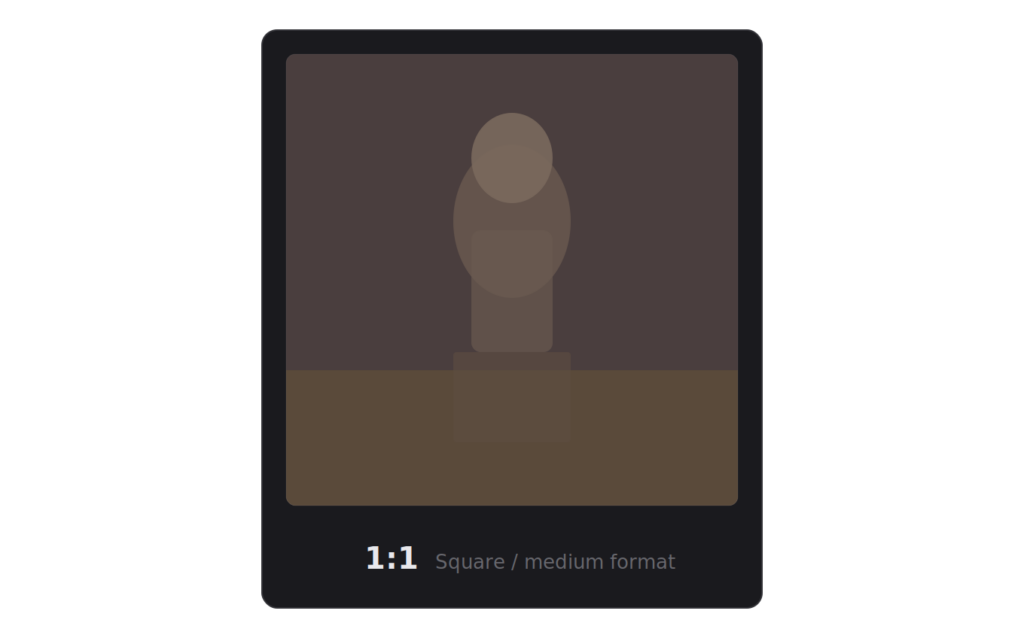
1:1 Square
The Instagram square. Also, the format of medium format film cameras, like the Hasselblad 500 series and the Rolleiflex. A 1:1 ratio forces symmetry and central composition; there’s nowhere for the eye to wander off to the sides.
In pixels, you’ll commonly see 1080×1080 (Instagram’s display size), 2048×2048, or 4000×4000.
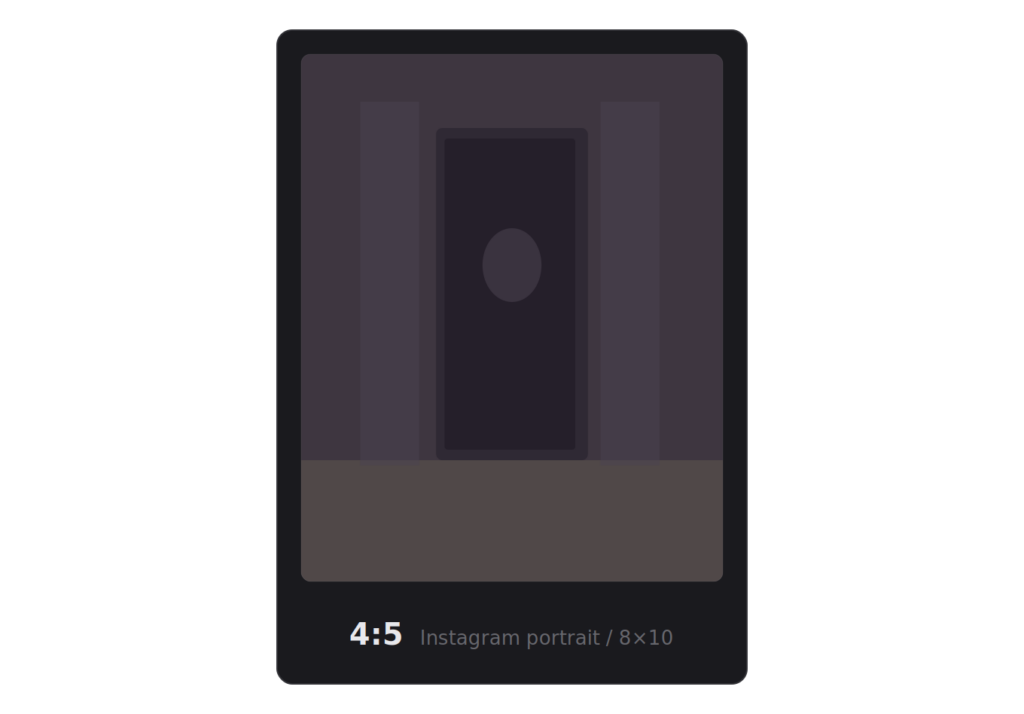
4:5 Instagram Portrait
The tallest ratio Instagram displays in the feed without cropping is arguably the most effective format for engagement on the platform. It gives you more vertical real estate than a square without going full portrait.
At 1080 pixels wide (Instagram’s standard), a 4:5 image is 1080×1350. It’s also close to the 8×10 print format, making it a useful bridge between digital and physical output.
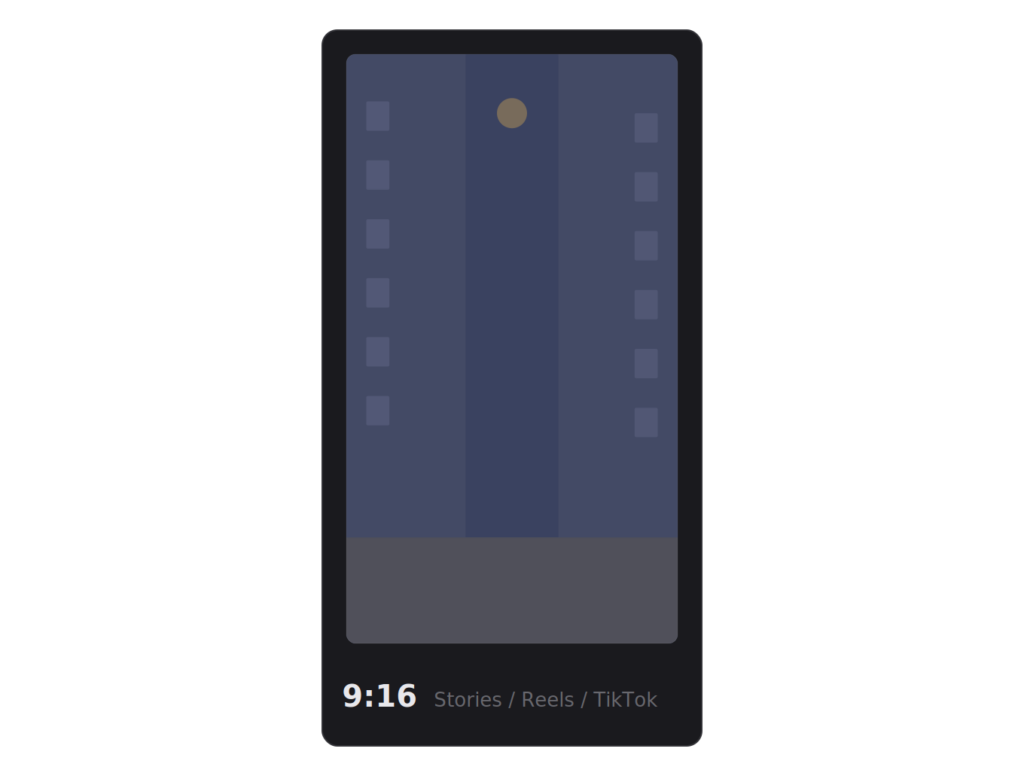
9:16 Vertical / Stories
The inverse of 16:9 – a full vertical frame used by Instagram Stories, Reels, TikTok, and YouTube Shorts. At standard resolutions, that’s 1080×1920. If you’re repurposing photos for short-form video content, this is the shape you’re working with.
Aspect Ratios for Print
Print sizes don’t always align with digital ratios, and this catches photographers off guard more often than it should.
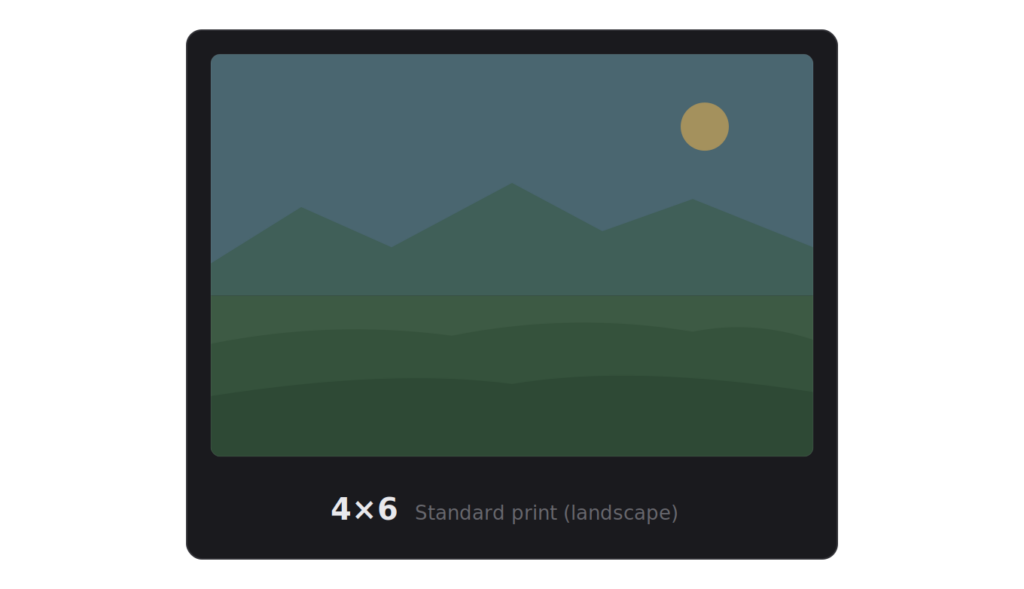
2:3 Standard Print (4×6)
The portrait orientation of 3:2. A 4×6 inch print (the most common standard print size) is a 2:3 ratio. If you shoot at 3:2, your images print at 4×6 without cropping. This is the one ratio where digital and print align perfectly.
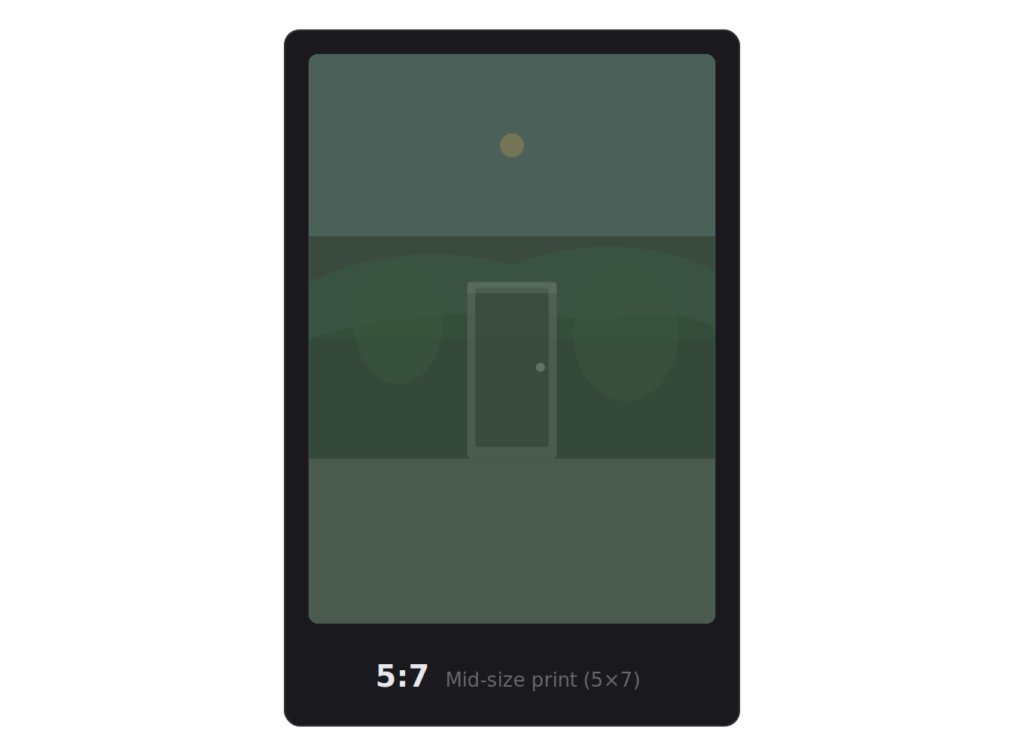
5:7 Mid-size Print
A 5×7 print is a common framing size. It’s slightly more square than 2:3, so you’ll lose a thin strip from the sides (or top and bottom) when cropping a 3:2 image to fit. Not dramatic, but worth being aware of.
4:5 8×10 Print
The 8×10 is one of the most popular print and frame sizes. Its 4:5 ratio is noticeably more square than the 3:2 ratio most cameras shoot. Cropping from 3:2 to 4:5 means losing roughly 17% of the horizontal frame. If your composition relies on elements near the edges, they won’t survive the crop.
Film and Cinematic Aspect Ratios
Cinema and analog film have produced some of the most distinctive image shapes in visual history.
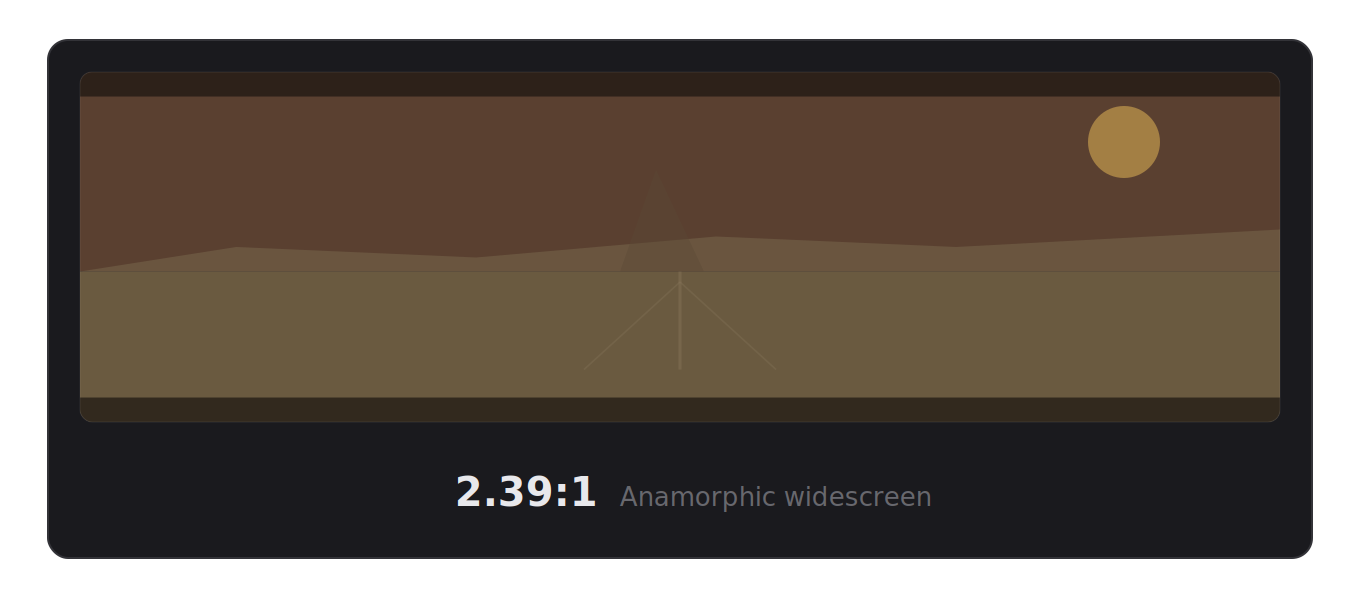
2.39:1 Anamorphic Widescreen (CinemaScope)
The ultra-wide format you recognize from blockbuster films. A 2.39:1 image is dramatically wider than it is tall, almost two and a half times wider. In 4K resolution, that’s 3840×1607 pixels.
Applying a 2.39:1 crop to a photograph immediately gives it a cinematic quality. It forces you to think about horizontal composition, negative space, leading lines, and the relationship between foreground and background across a wide plane.
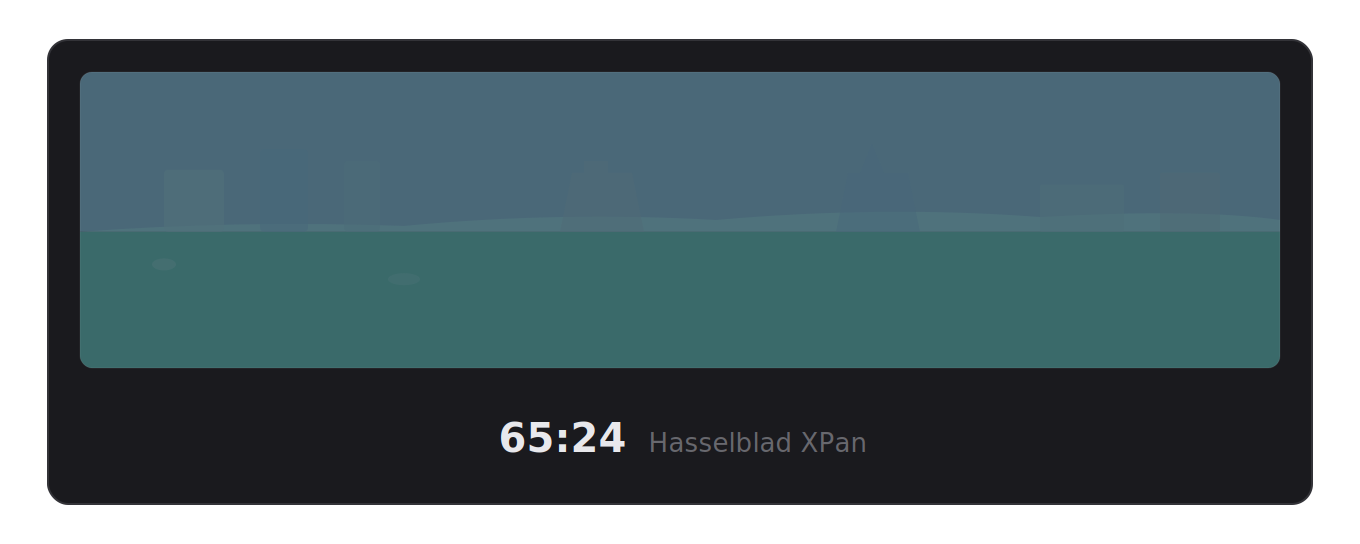
65:24 Hasselblad XPan
The XPan is legendary among street and landscape photographers. It shoots on standard 35mm film but exposes across two frames, creating a panoramic negative at 65:24, roughly 2.7:1. The resulting images are wider than standard cinema but narrower than extreme panoramic formats.
If you’ve never tried the XPan look, cropping an existing photo to 65:24 is the fastest way to see if the format suits your eye.
Many photographers discover a new way of seeing their work through this ratio.
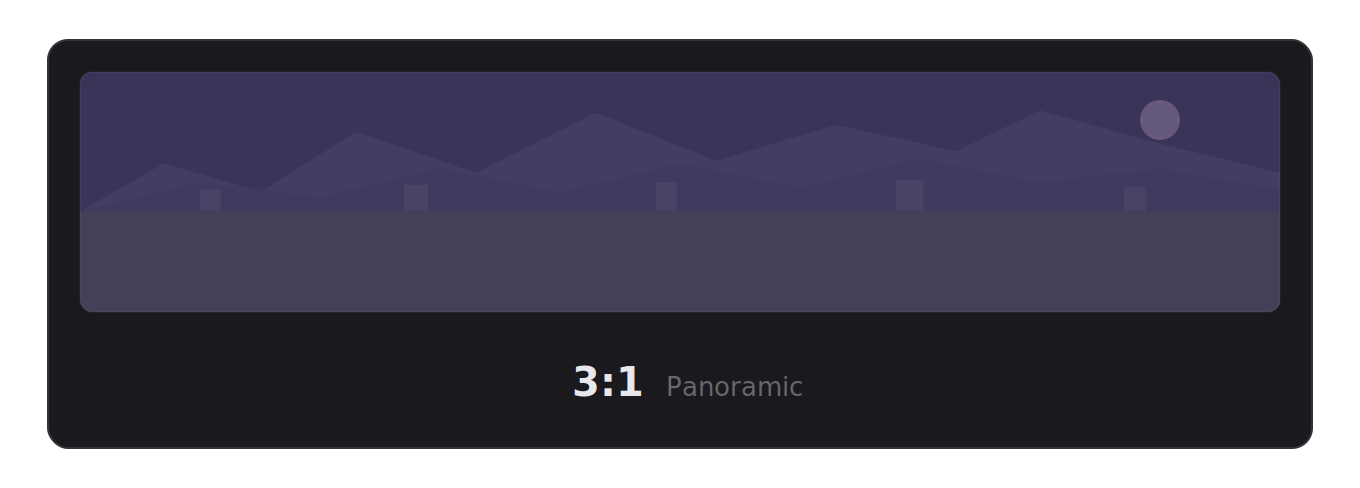
3:1 Panoramic
A full panoramic crop, three times as wide as it is tall. This is the territory of dedicated panoramic cameras and stitched multi-frame panoramas. It demands subjects with strong horizontal structure: cityscapes, mountain ranges, harbor views.
6:17 Ultra Panoramic
The extreme end of panoramic photography is associated with large-format panoramic cameras like the Fujifilm GX617. An image nearly three times wider than even a standard panoramic image. Very few subjects work at this ratio, but when they do, the result is breathtaking.

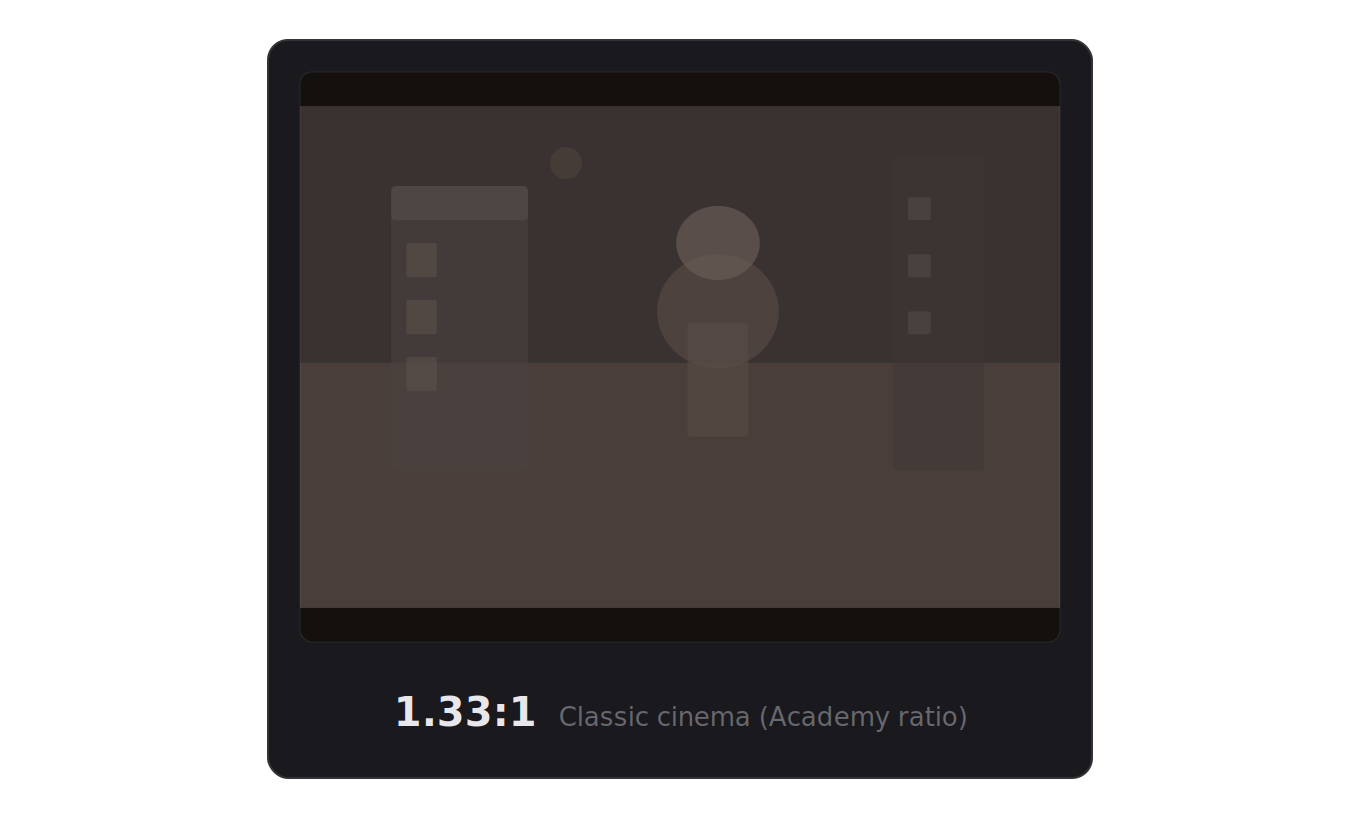
1.33:1 Classic Cinema (Academy Ratio)
The original motion picture aspect ratio was used from the 1930s through the 1950s. It’s essentially 4:3, and it has a distinctly intimate, vintage feel. If you’re editing photos with a retro or film-inspired aesthetic, this ratio is worth exploring.
How to Determine the Aspect Ratio of an Image
If you have an image and want to find its aspect ratio, the math is straightforward: divide both the width and the height by their greatest common divisor (GCD).
For example, a 1920×1080 image: the GCD of 1920 and 1080 is 120. Divide both: 1920÷120 = 16, 1080÷120 = 9. The aspect ratio is 16:9.
For a 6000×4000 image, the GCD is 2000. That gives you 3:2.
Most image editing tools display the aspect ratio in the file info or metadata panel, so you rarely need to calculate it by hand. But understanding the math helps when you’re working with unusual dimensions or custom crops.
Aspect Ratio and Resolution: The Relationship
These two concepts are related but distinct, and confusing them leads to problems.
Resolution is the total number of pixels – width × height. A 3840×2160 image has roughly 8.3 million pixels.
Aspect ratio is the shape, the proportional relationship. That same 3840×2160 image is 16:9.
You can have two images with the same aspect ratio but wildly different resolutions (1280×720 and 3840×2160 are both 16:9). You can also have two images with the same resolution that have different aspect ratios (3840×2160 is 16:9; 3840×2880 is 4:3).
When resizing images, maintaining the aspect ratio ensures nothing gets stretched or distorted. Any decent image editor will lock the ratio by default when you resize, but it’s worth double-checking – a squished photo is obvious and unfixable without re-cropping.
Common Resolutions by Aspect Ratio
16:9 – 1280×720 (HD), 1920×1080 (Full HD), 2560×1440 (QHD), 3840×2160 (4K UHD)
4:3 – 1024×768, 1600×1200, 2048×1536, 3200×2400
3:2 – 3000×2000, 4500×3000, 6000×4000, 6240×4160
1:1 – 1080×1080, 2048×2048, 4000×4000
4:5 – 1080×1350, 2160×2700, 3200×4000
21:9 (Ultrawide) – 2560×1080, 3440×1440, 5120×2160
Choosing the Right Aspect Ratio
There’s no single “best” ratio; it depends entirely on where the photo will end up and what you want it to communicate.
Start with the destination. If the photo is going on Instagram, crop to 4:5 or 1:1. If it’s a YouTube thumbnail, use 16:9. If it’s for a print order, check the frame size and match accordingly. Working backward from the output prevents rework.
Consider composition. Some photos naturally suit wide formats, a street scene with depth and lateral movement, a coastline stretching to the horizon. Others demand tighter framing, a portrait, an architectural detail, a single flower against a blurred background. Let the subject guide the shape.
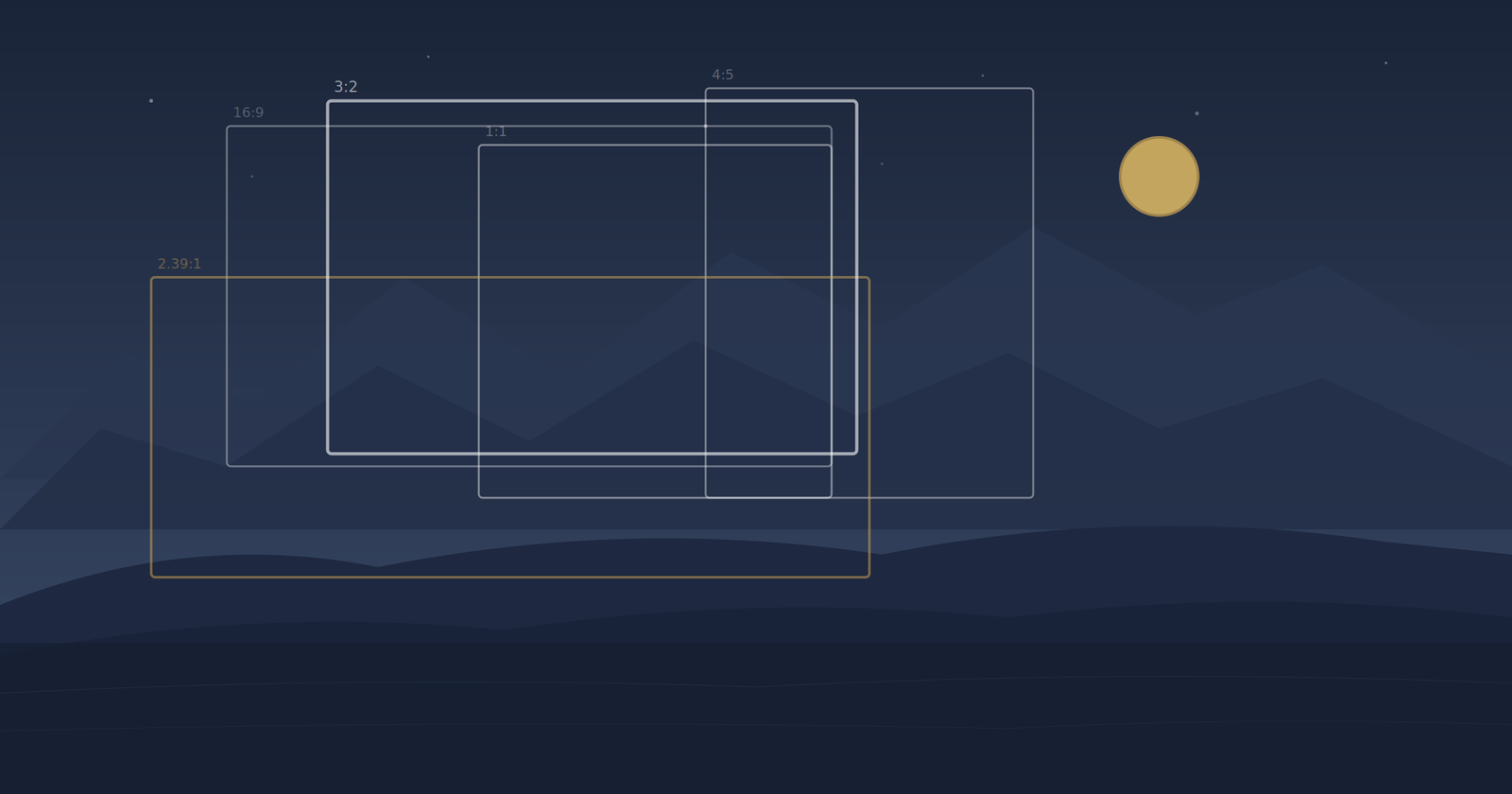
Preview before you commit. The best way to find the right ratio is to see your photo in multiple formats side by side. What looks powerful at 3:2 might look even better at 2.39:1, or you might discover that a square crop eliminates a distracting element you hadn’t noticed.
Tools like Frameline let you see every aspect ratio at once, a grid of crops for the same image, so you can compare instantly rather than switching between individual crops one at a time.
Quick Reference Table
| Ratio | Common Use | Pixel Examples |
|---|---|---|
| 3:2 | Digital cameras, 35mm film, 4×6 prints | 6000×4000, 3000×2000 |
| 4:3 | Micro Four Thirds, smartphones, classic screens | 4032×3024, 1024×768 |
| 16:9 | Widescreen, YouTube, 4K displays | 3840×2160, 1920×1080 |
| 1:1 | Instagram square, medium format film | 1080×1080, 4000×4000 |
| 4:5 | Instagram portrait, 8×10 prints | 1080×1350, 3200×4000 |
| 9:16 | Stories, Reels, TikTok | 1080×1920 |
| 2:3 | Portrait prints, 4×6 vertical | 4000×6000 |
| 5:7 | 5×7 prints | 2500×3500 |
| 21:9 | Ultrawide monitors | 3440×1440, 5120×2160 |
| 2.39:1 | Anamorphic cinema | 3840×1607 |
| 65:24 | Hasselblad XPan panoramic | 6496×2400 |
| 3:1 | Panoramic | 6000×2000 |
| 16:10 | MacBook displays, some monitors | 2560×1600, 2880×1800 |
What You Need to Remember
Most photographers only need to keep a handful of things in mind. Your camera shoots at 3:2 (or 4:3 if you’re on Micro Four Thirds). Instagram works best at 4:5. YouTube and widescreen are 16:9. Print sizes don’t match digital ratios; an 8×10 is 4:5, not 3:2, so you’ll always lose something when cropping for prints.
Beyond that, the key insight is simple: aspect ratio is a compositional choice, not just a technical requirement. A photo that feels ordinary at 3:2 might come alive at 2.39:1 or 65:24. Experimenting with different crops is one of the fastest ways to develop your eye as a photographer, and it costs nothing except a few minutes of your time.
If you want to speed up that process, Frameline lets you preview every ratio at once and bulk-export the ones you need. But regardless of what tools you use, the important thing is to start thinking about the frame as part of the photograph – not an afterthought.