Let’s talk about Instagram Aspect Ratios – Instagram quietly crops, compresses, and reshapes almost everything you upload, and over the last couple of years, it’s been doing so more aggressively as the whole app has tilted toward taller, vertical content.
If you post a photo in the wrong shape, the platform makes the decision for you, usually in the wrong way.
So here’s the practical reference: every Instagram surface, the ratio it wants, and the pixel size to hit. Then a few notes on the changes that actually matter and how to stop guessing.
Instagram Aspect Ratio – quick reference
| Surface | Aspect ratio | Pixel size (upload at) |
|---|---|---|
| Feed – portrait (recommended) | 4:5 | 1080 × 1350 |
| Feed – square | 1:1 | 1080 × 1080 |
| Feed – tall (max) | 3:4 | 1080 × 1440 |
| Feed – landscape | 1.91:1 | 1080 × 566 |
| Stories | 9:16 | 1080 × 1920 |
| Reels | 9:16 | 1080 × 1920 |
| Carousel | 1:1 or 4:5 | 1080 × 1080 / 1080 × 1350 |
| Profile photo | 1:1 (shown as circle) | 320 × 320 |
Instagram uploads everything at a maximum width of 1080 px, so the width is effectively fixed. Your aspect ratio is really a decision about height. Anything you upload gets sized to that 1080 px width, which is why starting from the right ratio matters more than chasing huge pixel counts.
Feed posts: portrait is the new default
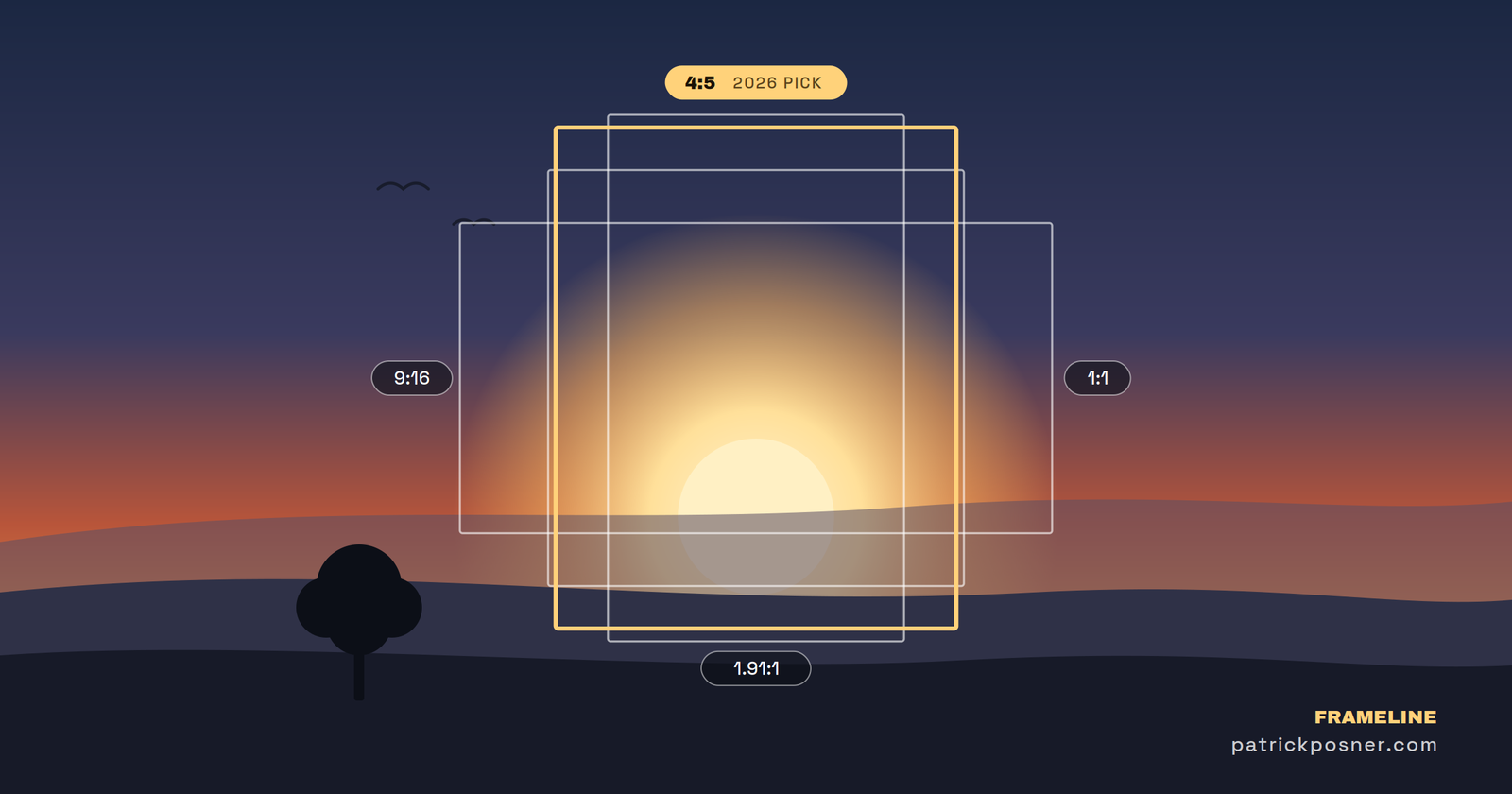
For years, the square ruled Instagram. That’s over. The feed and profile now favor taller content, and the 4:5 portrait aspect ratio (1080 × 1350) is the new default Instagram aspect ratio.
It takes up more vertical space on a phone screen, which means more presence in the feed and a cleaner look on your profile.
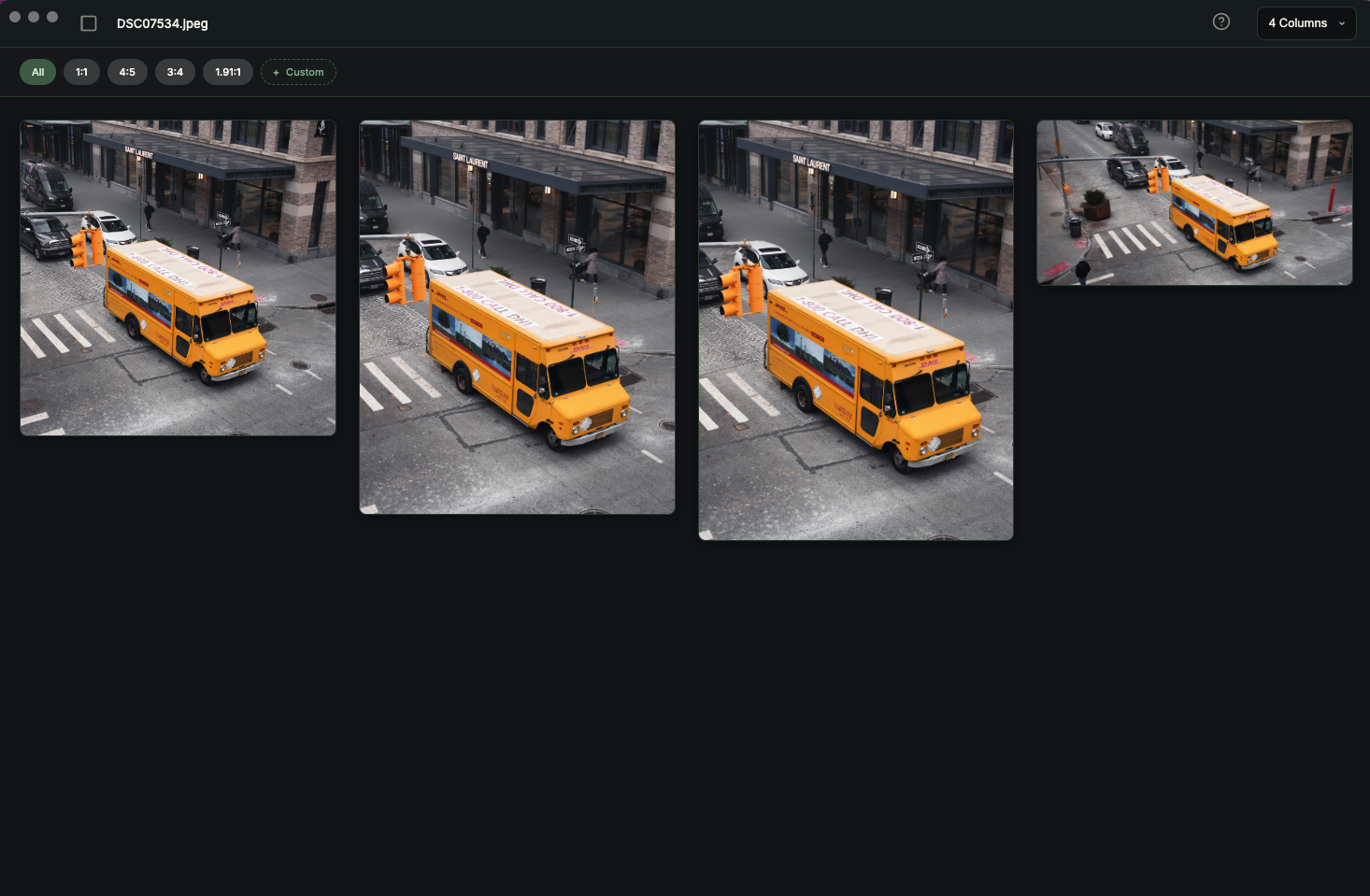
You still have options:
- 4:5 portrait (1080 × 1350) – the recommended choice. Maximum screen real estate without risking a crop.
- 1:1 square (1080 × 1080) – still works everywhere, and the right call when symmetry or a centered subject is the point.
- 3:4 (1080 × 1440) – the tallest the feed now accepts. Go any taller and Instagram crops it.
- 1.91:1 landscape (1080 × 566) – fine for wide scenes, but be aware it’s small in the feed and can get cropped on the grid.
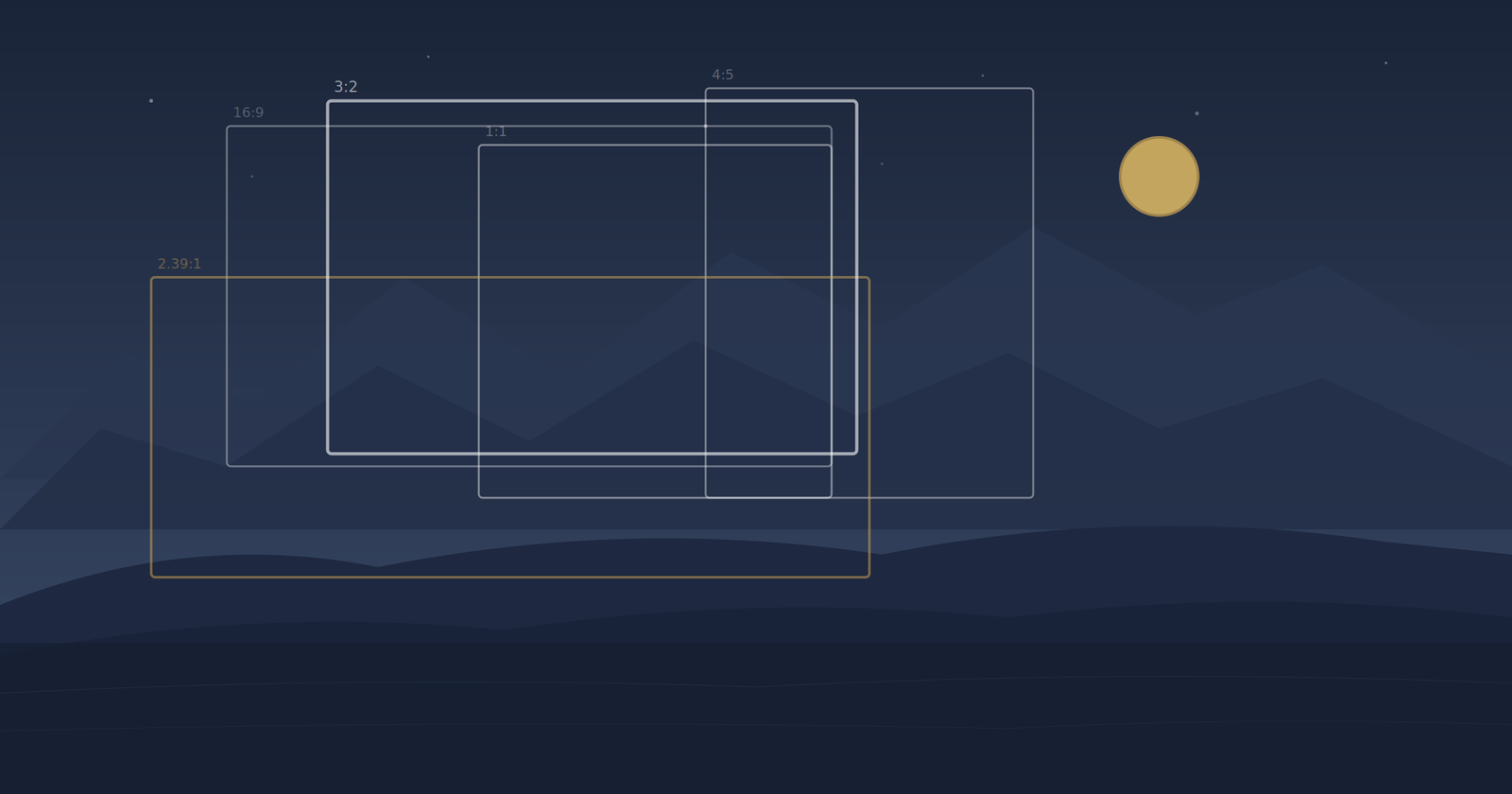
The key boundary to remember is that Instagram accepts feed ratios from 1.91:1 (wide) to 3:4 (tall). Step outside that range, and the upload gets cropped automatically, with no say from you.
The profile grid changed, and it bites square posts
This is the change that catches people out. The profile grid is used to show neat squares. It now previews posts in a taller, portrait-shaped crop (around 3:4), which means a 1:1 square or a 1.91:1 landscape post can have its sides or top and bottom shaved off in the grid view – even though it looks fine in the feed.
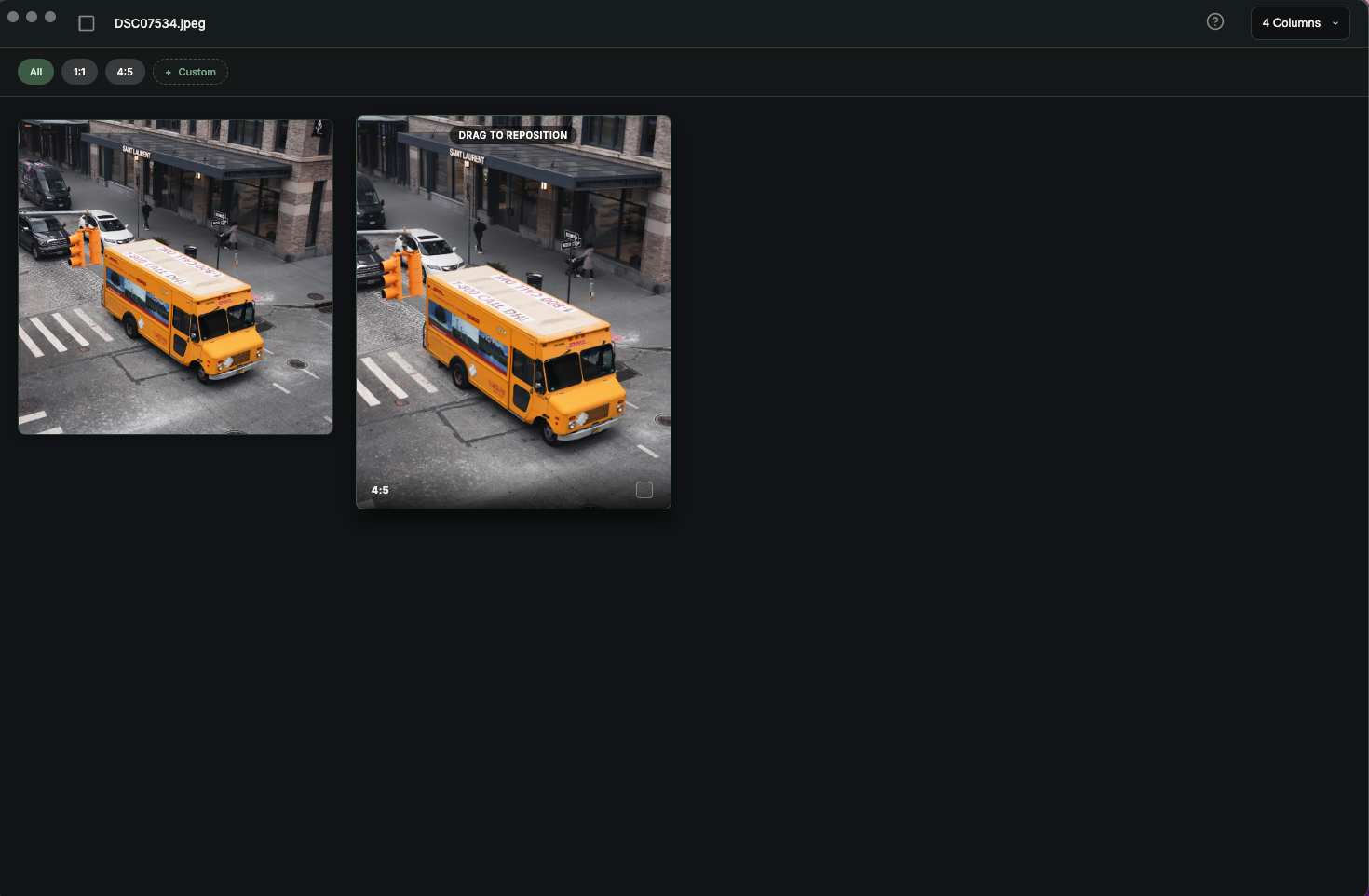
There’s now a real gap between how a post looks in the feed and how it looks on your profile grid. If a tidy, intentional grid matters to you, that gap is worth planning around. The simplest insurance is to shoot and crop with 4:5 in mind, since it sits comfortably in both places.
Stories and Reels: mind the safe zone
Both Stories and Reels are full-screen vertical at 9:16 (1080 × 1920). Easy enough, but the frame isn’t all usable.
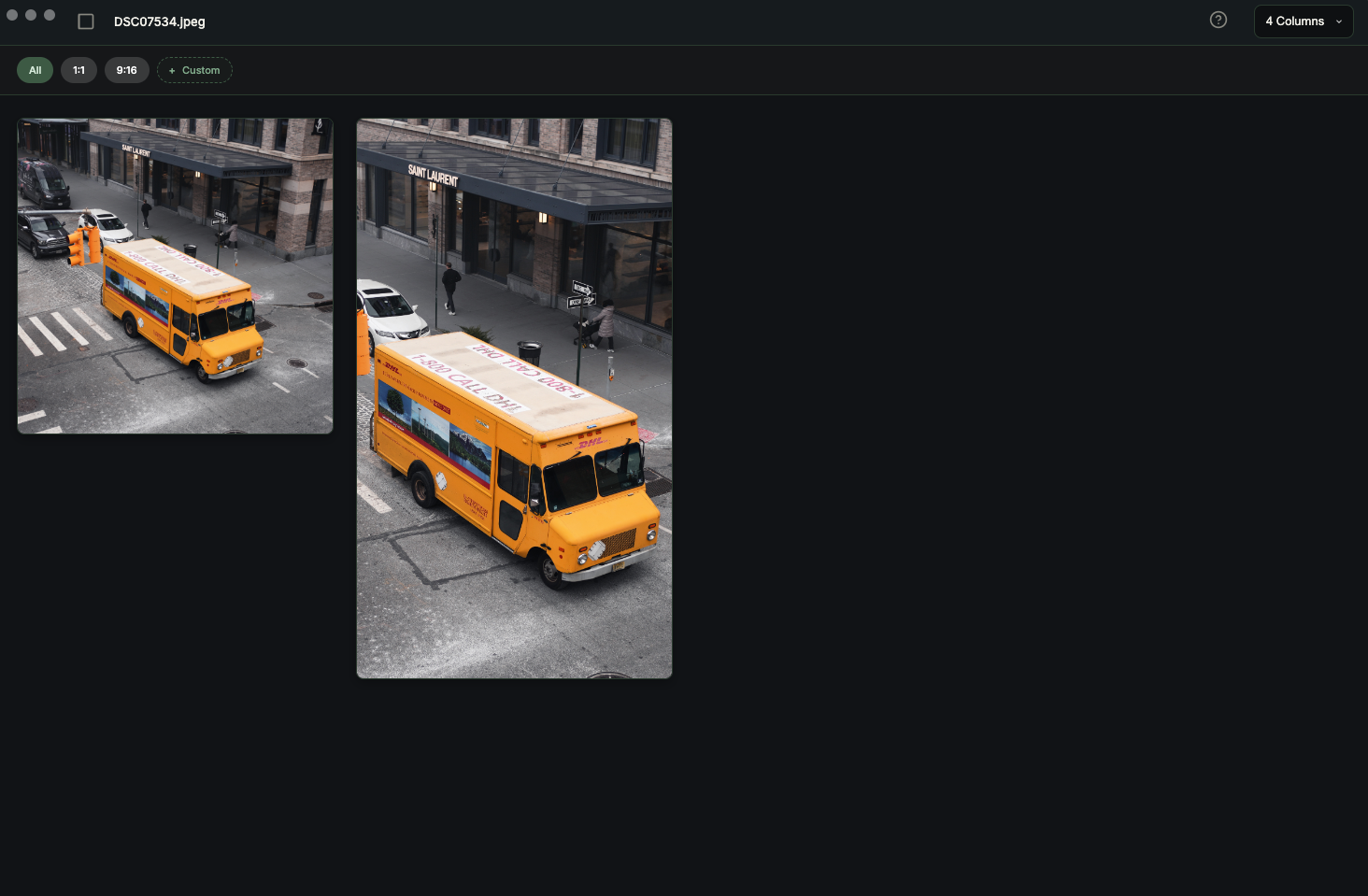
Instagram lays its own interface over the top and bottom: your handle and profile picture up top, the caption, action buttons, and reply bar down below. Roughly the top 250 px and bottom 250 px are at risk of being covered, which leaves a safe zone of about 1080 × 1420 in the middle.
Keep anything that has to be seen – text, logos, your subject’s face, a call to action – inside that band, and don’t let important elements drift to the edges.
Reels have one more quirk: a Reel plays full-screen at 9:16, but on your profile grid, it shows up as a smaller, taller thumbnail. Whatever you want visible on the grid needs to survive a tighter crop, so keep it centered.
Carousels: the first slide sets the rule
A carousel can be square or portrait, but the first slide decides the ratio for the whole set. Build slide one at 4:5, and every following slide is locked to 4:5; start square, and you’re square throughout. Decide the shape before you build the sequence, not after.
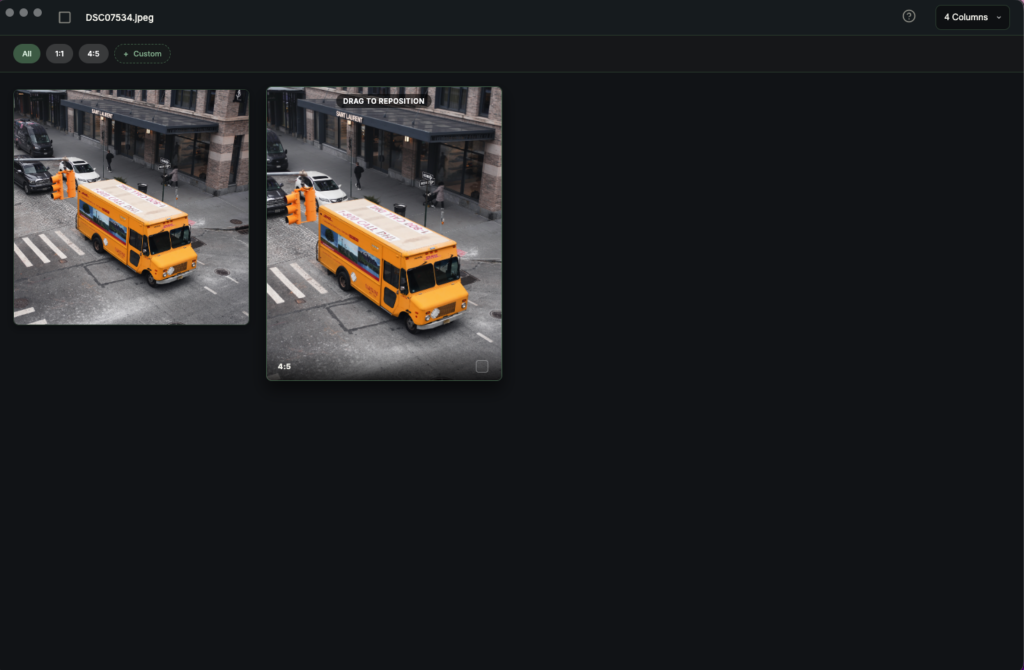
Stop guessing and preview every ratio first
All of this has in common is the problems that happen after you upload. You crop in your editor, it looks right, and then Instagram’s own crop windows do something you didn’t expect.
The fix is to test how your photo behaves at each of these Instagram aspect ratios before it leaves your machine.
That’s the entire reason I built Frameline.
Load a photo and see it in 4:5, 1:1, 9:16, and 1.91:1 all at once, side by side.
Click your subject to set the focal point, and every ratio reframes to keep them in shot – so the story crop doesn’t behead anyone and the square doesn’t lose the thing the photo was about.
When it looks right, export each version at full 1080-pixel width resolution, with no app-side recompression eating away at your quality on the way out.
It ships with the Instagram aspect ratios built in as presets, plus everything else you might size for, and it’s a one-time $19 on macOS – no subscription, no account, no ads, and your photos never leave your Mac.
For the bigger picture on why these ratios exist and how they translate to print and film, see the complete guide to aspect ratios in photography.